Does timing matter on TikTok?
Less than on a chronological feed, but it still matters. TikTok shows a new video to a small first group and expands from there if people watch and react. Reaching your followers while they are active gives that first group a better start.
Find when your followers are active
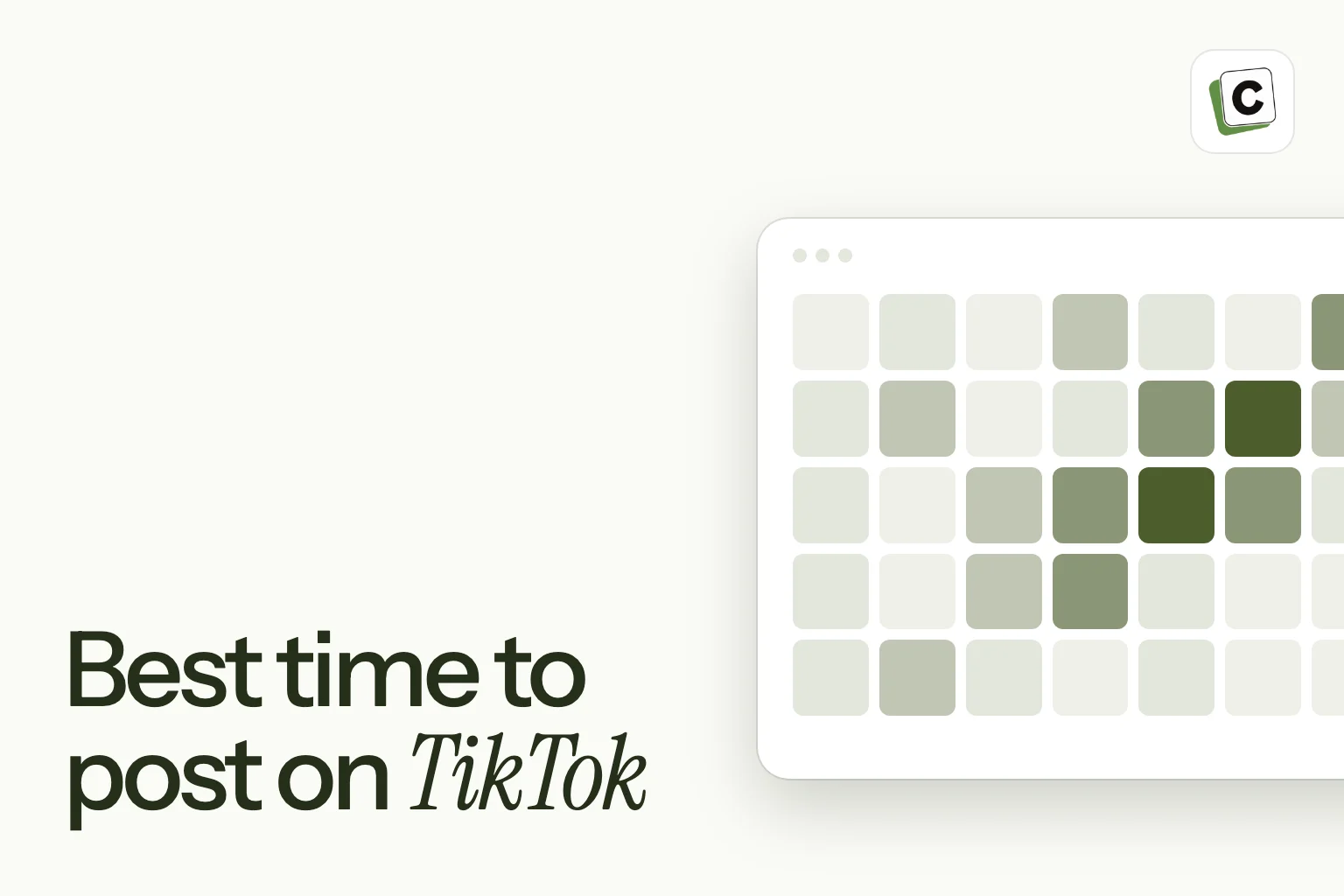
Open TikTok’s analytics for your account and look at the followers section. It shows the days and hours your followers are most active, usually over the most recent week.
- Plan to post slightly before a busy window.
- Mark the two or three best slots across the week.
- Check it again each month. It is a short view and it moves.
Test, do not guess
Choose two or three windows and post comparable videos in each for a few weeks. Track views, watch time, shares and new followers, and compare. Keep what wins.
Evergreen videos play by different rules
A video can keep finding viewers for weeks, so a slightly off time costs you less than on other networks. The bigger lever is the first three seconds: if the hook is weak, no time slot saves it.
Take the effort out of it
Once you know your windows, set them as posting slots in Content Postiz. Your queue then places each new video into the next slot, and your AI can fill the week in one request.
How TikTok decides who sees a video
TikTok does not simply show a video to your followers in order. It usually shows a new video to a small group of people first, watches how they react, and then decides whether to show it to more.
The reactions it pays attention to include how much of the video people watch, whether they watch to the end, and whether they like, comment, share or follow. A video that holds attention tends to be shown further.
This is why the hook and the content matter so much. Timing helps the first group be the right people, but the video still has to earn the next group.
Reading your analytics
TikTok’s analytics has two views that matter for timing. The followers section shows when your followers are most active, by day and hour. The content section shows how each video performed, including watch time and where viewers drop off.
- Use the followers view to choose candidate windows.
- Use the video view to compare results across windows.
- Check where viewers drop off. If it is in the first seconds, work on the hook before you change the time.
Match the time to the type of video
Different videos live different lives.
- Trend and reaction videos are time-sensitive, so speed matters more than the perfect hour.
- Educational and how-to videos can be found for weeks, so a slightly off time costs little.
- Behind-the-scenes and day-in-the-life videos suit when people are relaxing, such as evenings.
- Announcements tied to a launch should follow the launch time.
The hook matters more than the hour
The first few seconds decide whether people keep watching. If the hook is weak, no posting time will rescue it.
- Start with the most interesting moment, not a greeting.
- Say or show the promise right away.
- Use text on the screen so the video works with the sound off.
- Cut dead air and keep the pace up.
- End on a reason to watch again or to follow.
A worked example
A small design studio posts short tips. Their followers’ chart shows busy windows in the early evening on weekdays and late morning on weekends. For three weeks they post similar tips in both windows.
Evening videos get slightly more views, but weekend videos get more shares and follows. Because they want to grow their audience, they favour the weekend window and use evenings for lighter content.
Again, the point is the method: pick candidate windows, test them with comparable videos and let the result match the goal.
Posting frequency and batching
More videos give you more chances to learn which windows work. Batch your filming and editing, then schedule a week of videos at once. Content Postiz lets you queue TikTok videos and photo posts into your slots, so you are not tied to your phone at a set hour.
Mistakes to avoid
- Using a generic “best time” instead of your own analytics.
- Ignoring the hook while tweaking the schedule.
- Posting unevenly, so you cannot compare windows.
- Deleting a video that did not do well right away. Some find an audience later.
How long a TikTok keeps working
Some videos get most of their views in the first day. Others keep being found for weeks as people search and as the system shows them to new groups. Do not judge a video too early. Check it after a day, after a week and after a month, and note which kind each of your videos is.
If most of your videos are slow burners, timing matters less for you than the topic and the hook. If most are quick spikes, a good window matters more.
Video length and timing
A very short video that people watch to the end can do better than a longer one that loses them. Think about when your audience has time. A longer video may suit an evening or a weekend, while a quick tip suits a break in the day.
Test length and time as separate questions. Change one at a time so you can see which made the difference.
Fit TikTok into your wider content mix
Many creators post the same idea as a TikTok, an Instagram Reel and a YouTube Short. That is fine, but adjust each one. The hook, the captions and the format can differ slightly between networks, and the best time on each network is likely to differ as well.
In Content Postiz you can plan all three from one calendar and set separate slots for each network.
Plan a month of TikTok
Planning ahead keeps you consistent and gives you data. Start with two or three themes. Under each, list four or five video ideas. Film in batches on one or two days, then edit and schedule the videos across your windows.
Leave a gap or two for trends and reactions, which are the videos you cannot plan.
Use trends carefully
Trends can give you a lift, but only when they fit. Before you jump on one, ask whether it suits your audience and your brand, and whether you can add something of your own. A trend followed late or badly can look forced.
When a trend does fit, move quickly, since its window is short. This is one case where speed beats a perfect time slot.
A simple weekly rhythm
Here is a rhythm many small accounts can keep.
- Monday: plan the week and write the hooks.
- Tuesday: film all the videos for the week.
- Wednesday: edit and add captions.
- Thursday: schedule everything into your windows.
- The rest of the week: reply to comments and watch the results.
A checklist before you schedule
- Does the first second show something interesting?
- Is the caption short and clear, with a few relevant hashtags?
- Do the on-screen captions work with the sound off?
- Is the privacy setting right?
- Is the post in a window that your analytics supports?
Use comments to guide timing and topics
Comments are a free source of ideas. When people ask a question under a video, answer it with a new video. When they say they saw your video late, look at when it went out. Over time your comment section tells you what your audience wants and when they are around.
Reply in the first hour when you can. Early replies keep the conversation moving, and they often lead to more comments from the same viewers.
Test a change for long enough
It is tempting to change your plan after two or three videos. Resist that. TikTok results are noisy, and a few videos can mislead you. Give each window at least a handful of videos, ideally across several weeks, before you decide.
Keep a short log of what you changed and when, so that later you can match the changes to the results. A note such as “moved to weekday evenings, started on the first of the month” is enough.
Think beyond the first day
A video that does modestly in a day may be picked up later. Check on your videos over time, and consider re-sharing the best one with a fresh caption or in a new context after a few months. Your newest followers have not seen your old work, so a good old video is new to them.
Frequently asked questions
Does posting time affect TikTok views?
It can help a video get a stronger start, but the quality of the video matters more.
How often should I post on TikTok?
As often as you can keep up with while keeping quality. Many creators aim for a few videos a week.
Is it better to post in the evening?
Evenings are popular, but check your own followers’ activity.
Can I schedule TikTok videos?
Yes. Content Postiz schedules TikTok videos and photo posts, with the privacy and interaction settings TikTok requires.