Is there a best time to post on Instagram?
Not one that works for everyone. Large studies can show broad patterns, such as more activity on weekdays and around lunch and evening, but your followers have their own habits. A student audience, a nurse audience and a developer audience are online at very different hours.
The reliable answer is the time your own followers are active, combined with the format you are posting. This guide shows how to find it and how to check that it works.
Why timing matters, and why it matters less than you think
Instagram ranks posts by how people respond, and the first reactions often shape how widely a post is shown. Posting when your followers are around gives a post a stronger start.
Still, a great post at an odd time beats a weak post at a perfect time. Treat timing as a way to give good content a better chance, not a fix for content that is not working.
Find when your followers are online
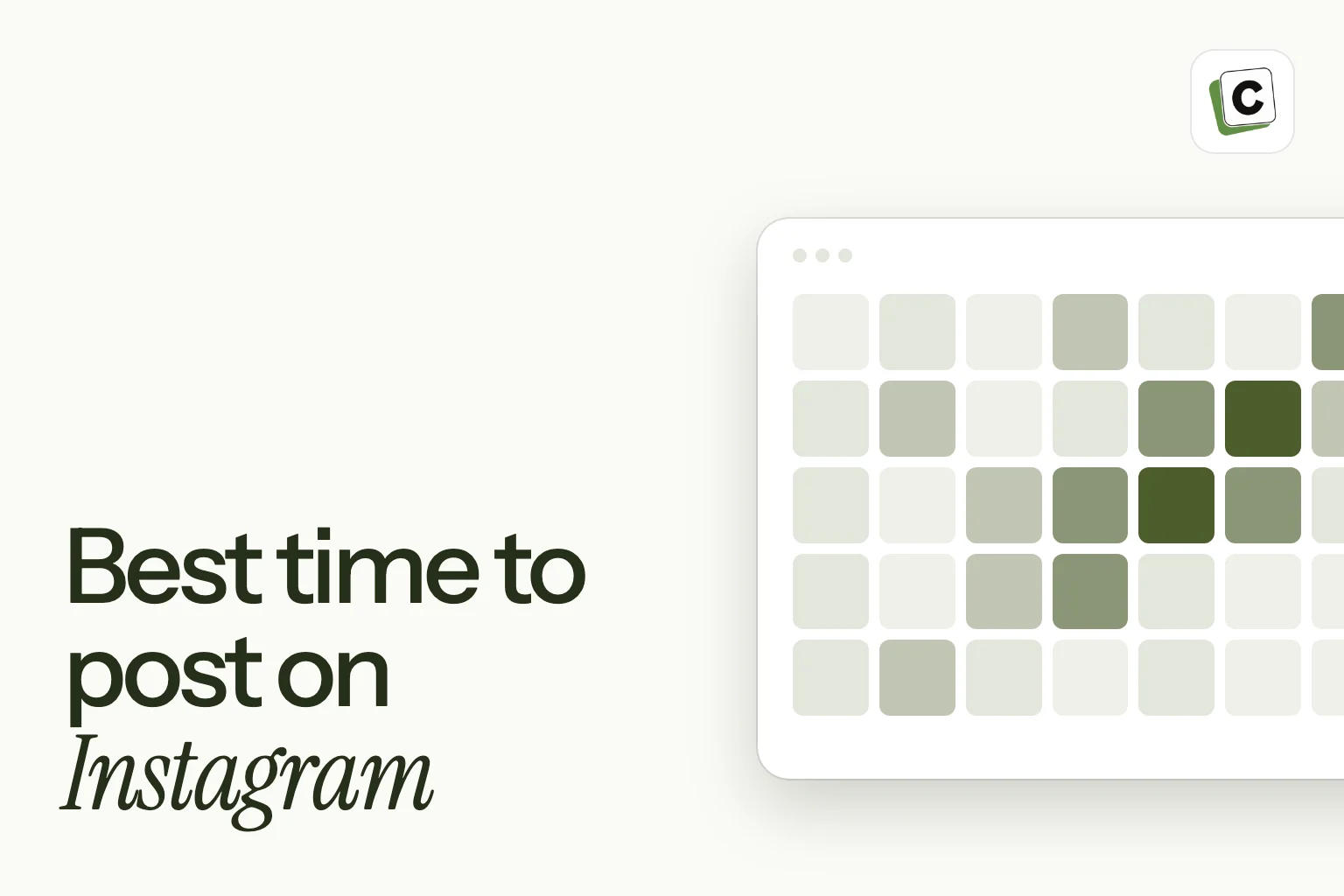
Instagram shows this for Creator and Business accounts. Open your insights, find the followers section, and look for the most active times, shown by day and hour in your local time.
- Note the two or three busiest windows, not just the single peak.
- Check each weekday separately. Weekends often look different.
- Post a little before a peak, so the post is fresh when people arrive.
- Look again every month or two. Habits shift with the seasons and with your audience.
Different formats, different clocks
The format changes how much the hour matters.
- Stories last 24 hours, so aim for the times people open the app. Spread several across the day.
- Reels are shown to people who do not follow you for a longer time, so the exact minute matters less than the hook.
- Feed posts and carousels depend more on your followers’ habits, especially in the first hours.
- Carousels people save can still work at quieter hours, because they are picked up later.
Run a two-week test
Pick two or three windows, for example weekday mornings, lunchtime and evenings. Post similar content in each for two weeks, keeping the format the same.
Compare reach, saves, shares and comments, not likes alone. If one window is clearly ahead on more than one measure, keep it. Retire the weakest and test a new one.
Write down what you try. A simple table with the day, hour, format, reach and saves is enough.
Mind your time zone
If your audience is in a different time zone from you, schedule by their local time. If you serve several regions, split your posts across the windows that matter to each, rather than choosing one compromise hour.
Common mistakes
- Copying a generic “best time” list without checking your own data.
- Changing the schedule every week, so you never learn anything.
- Judging a time slot from one post.
- Ignoring that Stories and Reels behave differently from feed posts.
Take the effort out of it
Once you know your windows, set them as posting slots in Content Postiz. The queue then places each new post in the next free slot, and your AI can fill a week of Reels, carousels and Stories in one request. You review everything on the calendar before it goes out.
A worksheet to find your windows
Here is a step-by-step version of the test. You can run it in a notebook or a spreadsheet.
- Step 1: write down your three busiest windows from Instagram’s active-times chart.
- Step 2: choose two of them to test, plus one window you are unsure about.
- Step 3: for two weeks, post comparable content in each window, keeping format and length similar.
- Step 4: for each post, record the day, hour, format, reach, saves, shares and comments.
- Step 5: at the end, average the results for each window.
- Step 6: keep the best window, keep the second as a backup and drop the third.
- Step 7: repeat with a fresh window next month.
How to tell whether a difference is real
Small differences between two windows may just be noise. A post can do well because of its topic, not its time. To be fair to each window, post similar content in each and compare across several posts, not one.
Treat a difference as real when one window leads on more than one measure across most of the posts, not when it wins a single post.
Weekdays and weekends
People behave differently on weekends. Some audiences scroll more on a Saturday morning, and others are mostly offline. Test weekends on their own instead of assuming a weekday window carries over.
If you cannot post every day, pick the days where your audience is most active and give those your best content.
Timing for Stories
Because Stories play in sequence and disappear after a day, think in terms of the day’s rhythm. A common pattern is one early in the day, one around midday and one in the evening, each with its own purpose, such as a quick tip, a behind-the-scenes look and a question.
You do not have to match this exactly. Use your audience’s active hours to decide where the sequence starts.
Launches and events are different
When you are announcing something with a fixed time, such as a product launch, a sale or an event, timing follows the event, not your usual windows. Plan a short run of posts around it: a teaser, the announcement and a reminder, and schedule them in advance so you are free on the day to reply.
Set posting slots and fill the queue
Once you have your windows, put them to work.
- In Content Postiz, set your Instagram posting slots once.
- Create Reels, carousels, feed posts and Stories and send them to the queue.
- Each post goes into the next free slot, so you never choose a time by hand.
- Ask your AI to fill the week from your ideas, then review the calendar.
- Revisit the slots after a month, using what the test taught you.
Posting frequency and timing work together
The best slot is not much use if you post once a month. Decide how often you can post, then choose the times. A common mistake is to pick a perfect window and then fill it with weak content because you have nothing ready.
Keep a small bank of finished posts, so you can fill a good slot even in a busy week.
Give your best content your best slot
Not every post is equal. If you have a post you are proud of, such as a useful carousel or a Reel with a strong hook, put it in the window that has worked best for you. Use quieter windows for lighter posts.
Over a few weeks this shows you whether your best windows really lift your best content.
Seasons and habits change
Audiences shift with the calendar. School terms, holidays, daylight saving changes and busy seasons for your industry can all move when people are online.
Check your active-times chart again after any big change, and be ready to move a window.
Use your AI to read the results
Once you have two weeks of notes, you can paste them into your AI app and ask which window did best and by how much, and whether the difference looks large enough to trust. Then ask it to suggest the next window to test.
Treat the answer as a second opinion. You know your audience, and the numbers are small, so use judgement.
A worked example: choosing between two windows
Suppose your active-times chart shows two strong windows: weekday lunchtimes and weekday evenings. You post Reels and carousels in both for two weeks, with similar topics.
At the end you compare. Lunchtime posts reach a few more people, but evening posts get more saves and more comments. Because your goal is to build a community, you choose the evening window for your main posts and keep lunchtime for lighter ones.
Notice that the answer depends on the goal. The best time is not only about reach. It is about the result you want from the post.
Frequently asked questions
What is the worst time to post on Instagram?
There is no universal worst time, but posting when your followers are asleep gives a post a weak start. Check your own active times.
How often should I post on Instagram?
As often as you can keep up with while keeping the quality. A steady few posts a week beats a burst followed by silence.
Does posting time affect Reels?
Less than for feed posts, because Reels are shown to new audiences for longer. The first seconds of the video matter more.
Can I schedule Instagram posts?
Yes. Content Postiz schedules Feed posts, Reels, Stories and Carousels.
Should I post at the same time every day?
Consistency helps people learn when to expect you, but vary the format and topic. Keep a few fixed slots and let the content change.
Do I need a business account to see active times?
Instagram shows follower activity to Creator and Business accounts, so switch your account type if you do not see it.